Make a blurry image HD in four steps
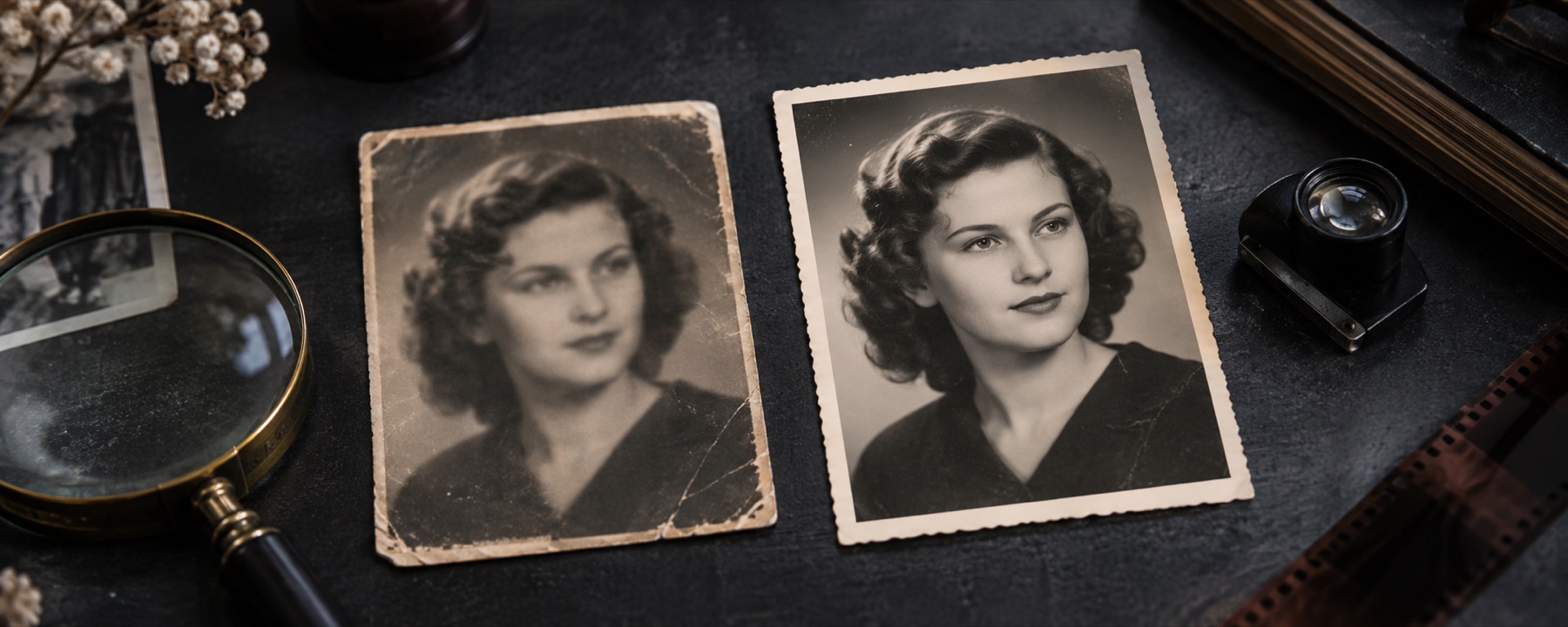
- Open the photo. A small, soft or slightly shaken photo. Nothing is uploaded.
- Let it measure the blur. If it found movement or missed focus, that is undone first; if not, it says so and only enlarges.
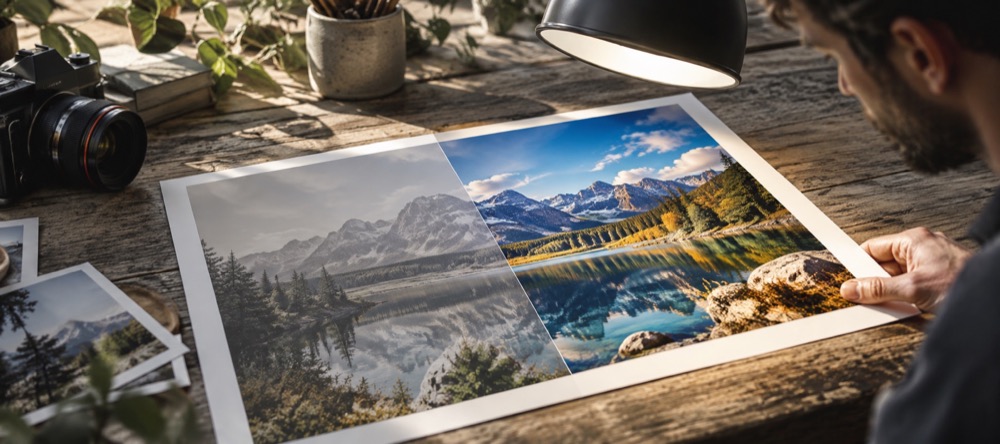
- Pick 2× or 4×. The pixel size of each choice is printed on it. Compare the centre at 100% against the same pixels simply zoomed.
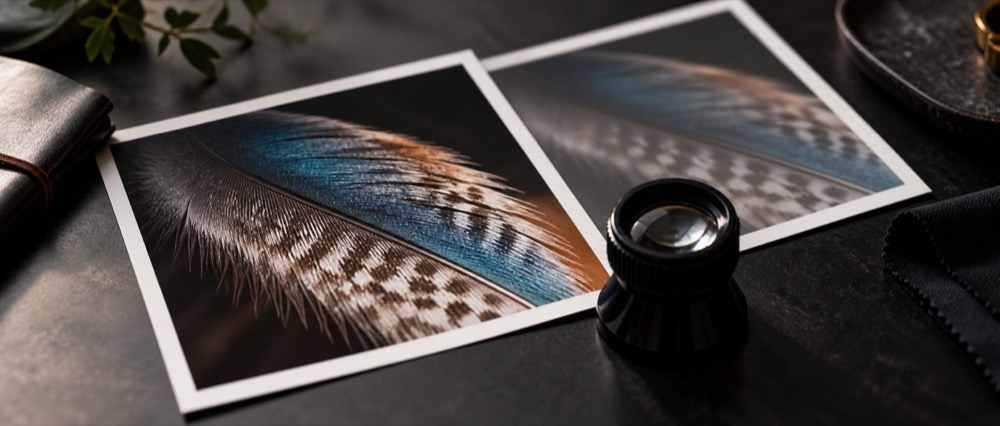
- Save in HD. The whole job runs again at full size and saves with a receipt.
Why deblur before enlarging
Enlarging a blurred photo gives you a bigger blurred photo. So the blur is measured and undone on the original pixels first, where the arithmetic has the most to work with, and only then is the picture enlarged. The enlargement itself is Lanczos-3 interpolation: it draws the smoothest curve through the pixels you have and adds no invented texture.
| Camera shake | Undone with the measured motion kernel, then enlarged. |
|---|---|
| Missed focus | Undone with the measured defocus kernel, then enlarged. |
| Already sharp | Enlarged only; the page says nothing needed undoing. |
| Blocky | Sent to the pixelated-image tool first. |
When this will not help
- Detail that was never recorded. “HD” here means more pixels with cleaner edges, not new information.
- Very large photos: 2× or 4× must stay under 32 megapixels, so the larger choice disappears for big files.
- Heavy blur beyond this method's reach — the enlargement still runs, but the deblur step says it was skipped.
Blocky rather than blurred? Clear a pixelated image first. For control over the kernel, use the full deblur workspace.
Questions
Is this an AI upscaler?
No. The enlargement is Lanczos-3, a classical interpolation filter. It does not add texture, faces or text. A learned upscaler would add plausible detail that was not in the photo; none is offered in this build, and the page says so.
How big can the result be?
2× or 4× the original, as long as the result stays under 32 megapixels and 16,384 pixels on the long edge. The size of each choice is printed on its button before you save.
Why is the result softer than some apps?
Apps that make up texture look crisper and are less faithful. This page only sharpens what the measured blur hid and interpolates the rest, so what you see is what the photo held.
Does it keep transparency?
Yes. A PNG with transparency is enlarged with its alpha channel, and colour is handled so edges against transparent areas do not pick up a dark fringe.
When won't this work?
When the detail was never captured — a face a few pixels wide stays a few pixels of information however large it is drawn. Also on deliberate pixelation or mosaic, which no method can undo.
Is my photo uploaded?
No. Measuring, deblurring and enlarging all run in this browser tab.
Related
- Unblur an imageDiagnose the blur, then reconstruct it, with the kernel on a dial.
- Clear a pixelated imageRead block scaling back to its native grid and enlarge it smoothly; mosaic is refused.
- Sharpen an imageFor soft rather than smeared photos: unsharp mask with a halo limiter.
- Blur to clear, one tapA verdict and a result with no controls; fine-tune only if you want to.