Unblur a face in four steps
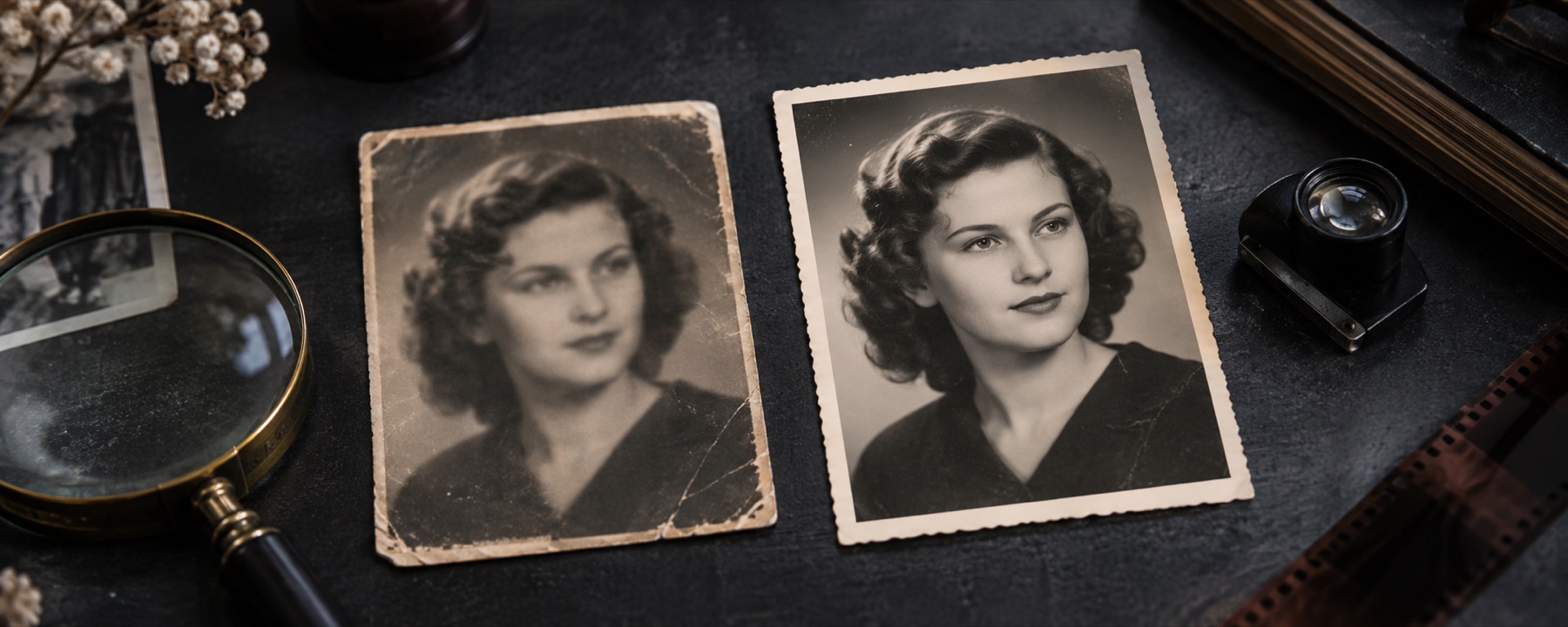
- Open the photo. It opens face-first: a conservative pass on the background, and refinement inside each face oval.
- Let it find the faces. The first time, the page asks before fetching the face finder (about 224 KB) and the runtime. Agree once and it looks for faces whenever a photo opens here. Or place ovals by hand.
- Tune each face gently. Face strength and face guard apply inside the ovals. The eyelash preset raises the guard to stop ringing around eyes.
- Compare at 100%, then save. Check the eyes and mouth in the loupe. If the result looks like someone else, keep the original.
What this page will not do
- Generate or swap in a face, eyes, teeth or skin texture.
- Identify anyone, or make an unrecognisable face recognisable.
- Undo pixelation or a mosaic used to hide a face — that information was removed, not blurred.
A passport photo that came out blurred should be retaken: passport guidance says not to retouch or enhance it. Check a photo before you upload it.
Questions
Does this make a blurry face recognisable?
Not by itself. A result is not identification. Where a face moved more than a few pixels, the features are gone, and anything in their place would be a guess — which is why this page does not use a generative face model at all.
Why not use an AI face restorer?
Generative face models reconstruct a face, not this face: they draw plausible eyes and teeth that were never in the photo. Several popular ones also carry non-commercial licences. This page only deconvolves what the camera recorded.
What is fetched when faces are found?
The YuNet face detector (MIT licence, 229,738 bytes, checked by SHA-256) from our model file server, and this site's WebAssembly runtime. Both come to the page; your photo goes nowhere. They are kept in this browser for next time and can be cleared.
What does the eyelash preset do?
It raises the guard inside the face ovals to 92% and lowers the face strength, so fine lines around the eyes are not turned into bright rings.
When won't this work?
When the person moved a lot, when the face is tiny in the frame, in heavy noise, or when the blur is a mosaic or pixelation (which cannot be reversed). The face finder can also miss faces in profile; place an oval by hand.
Related
- Unblur an imageDiagnose the blur, then reconstruct it, with the kernel on a dial.
- Motion deblurOpen straight into the motion kernel, and read the dial before trusting what it rebuilds.
- Check if a photo is blurryMeasure blur before you upload: edge width, a heat map and a form checklist.
- What can be reconstructedLearned priors, the GoPro corpus, and reading a result sceptically.