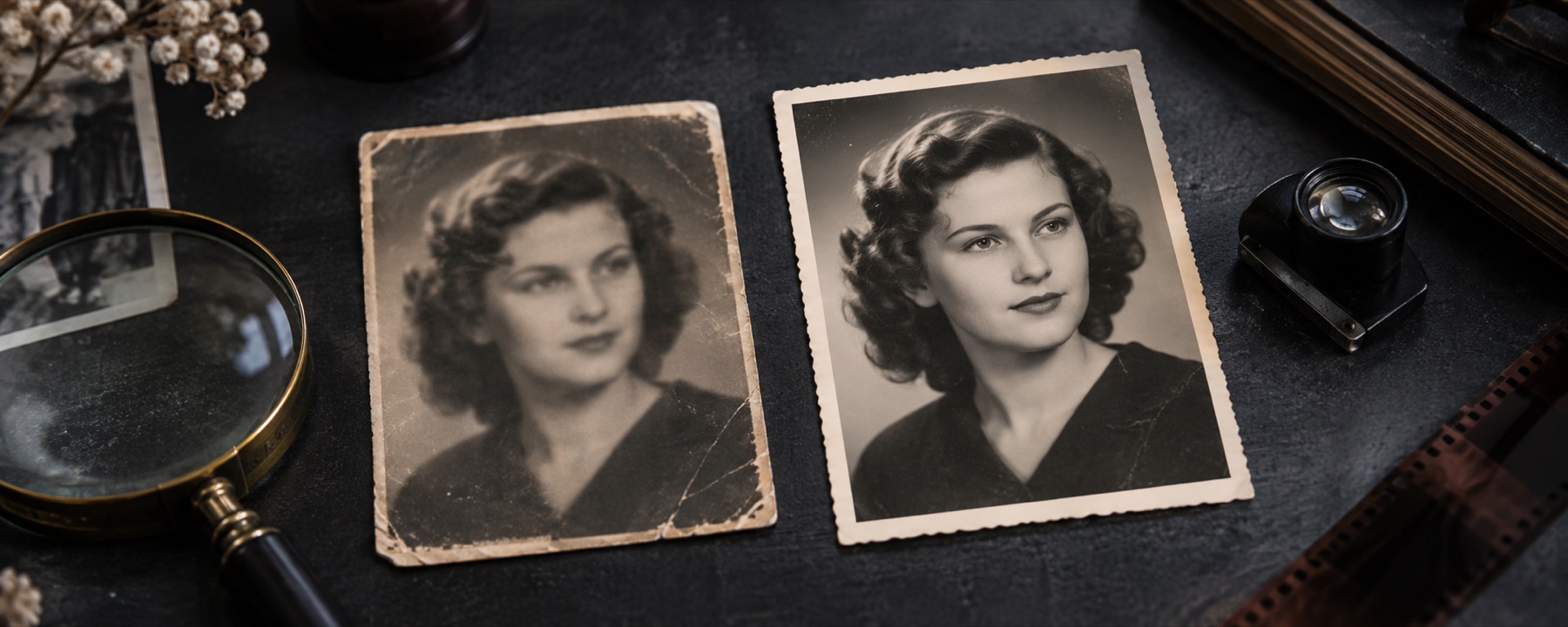
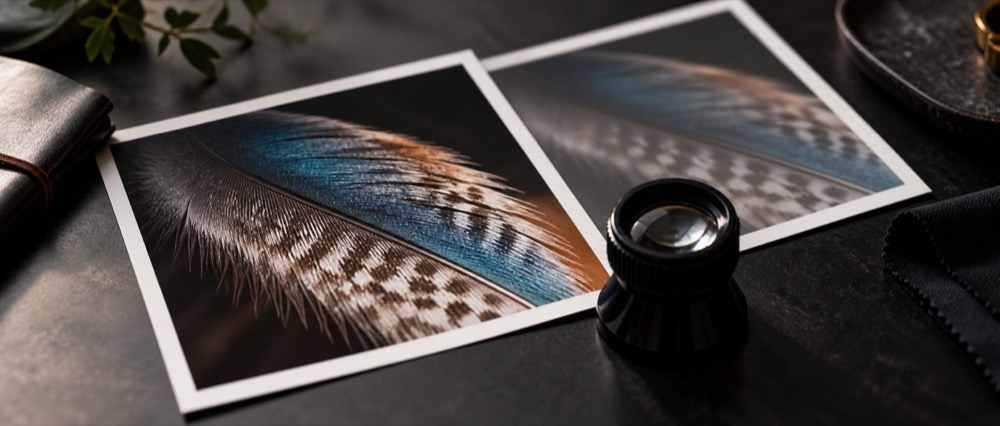
Fix missed focus in four steps
- Open the photo that missed focus. It opens on the defocus kernel: a disc, not a streak, because missed focus spreads every point in all directions.
- Set the spread. Drag the knob outwards on the dial, or type the spread in pixels. Too small does nothing; too large puts a bright halo on every edge.
- Limit it to the part that is soft. With a shallow depth of field only the subject is soft and the background was never sharp. Paint the subject and leave the rest; the heat map shows which regions are soft.
- Check at 100%, then save. Use the loupe and the blink view to compare edges. Save at full size, or keep the original exactly as it was.
What this mode cannot do
- Rebuild texture that defocus averaged away: skin pores, leaves, small print.
- Fix a photo where the subject moved — that is a streak, not a disc; use motion deblur.
- Make a background that was never in focus look sharp; paint the subject instead.
Only slightly soft? Sharpen it instead. Not sure it is blurred at all? Check it.
Questions
Can an out-of-focus photo really be fixed?
Partly. Mild missed focus — a spread of a few pixels — comes back noticeably. A strongly defocused photo has lost fine detail for good; the reconstruction can firm up edges but cannot rebuild texture. The page measures the spread before it does anything and says when it is beyond reach.
Why does a defocused photo come back with a halo?
A defocus spread has no direction to undo along, so the correction pushes every edge outwards equally, and strong edges overshoot. The artifact guard holds pixels near their neighbours' original range; raise it if you see bright rims.
Only my subject is blurry and the background is fine. What then?
Use Paint to mark the subject; everything unpainted stays exactly as it arrived. If the measurement reports that blur differs across the photo, the heat map shows where, and the probe can measure the spread on the subject alone.
Is this the same as sharpening?
No. Sharpening raises contrast at edges; this deconvolves against a measured soft kernel. For a photo that is only slightly soft, the sharpen engine is often the better choice — the workspace offers it when the measured spread is small.
When won't this work?
When focus missed by a lot (large spread), when the photo is noisy or heavily compressed (the pass amplifies both), and when the blur is movement rather than focus — use motion deblur for that.
Related
- Unblur an imageDiagnose the blur, then reconstruct it, with the kernel on a dial.
- Sharpen an imageFor soft rather than smeared photos: unsharp mask with a halo limiter.
- Motion deblurOpen straight into the motion kernel, and read the dial before trusting what it rebuilds.
- What can be reconstructedLearned priors, the GoPro corpus, and reading a result sceptically.